Compare your options
Build a shortlist using relevant features, limits, and costs.
Choose better software
Clear comparisons, practical alternatives, and setup guidance for work, study, and everyday computing.
4 articles in this deskA clear place to begin
The best software is not always the product with the longest feature list. It is the option that fits your workflow, platform, budget, privacy expectations, and ability to maintain it.
This hub brings together comparisons, alternatives, and practical software guidance. Recommendations explain trade-offs and intended users so you can create a shortlist instead of relying on a universal ranking.
Choose your path
Three practical routes through the software desk.
Build a shortlist using relevant features, limits, and costs.
Learn the configuration and workflow behind a useful installation.
Improve privacy, reliability, backups, and control over important data.
Start here
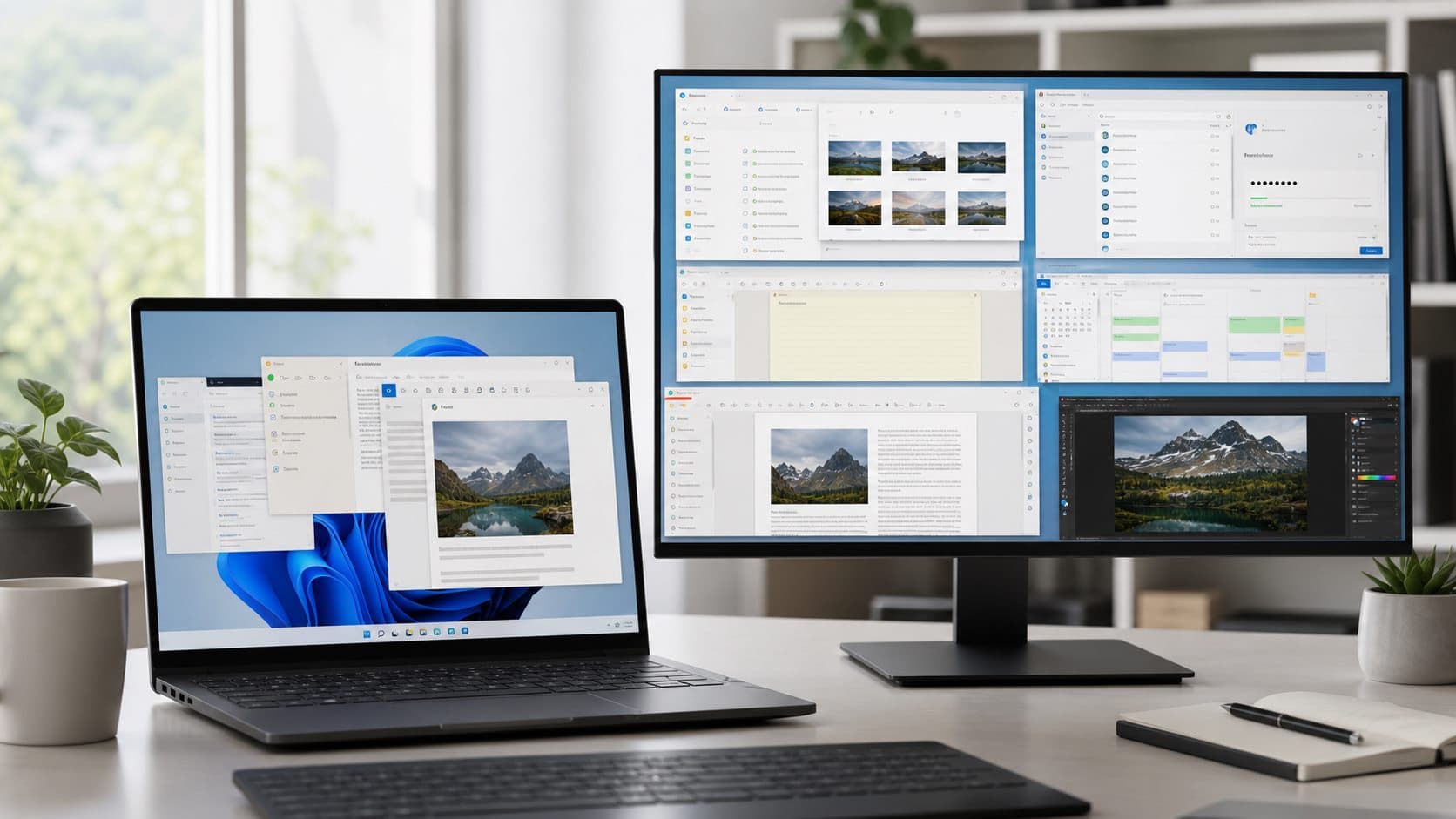
A researched guide to Windows productivity apps by task, with privacy, free-tier, compatibility, and migration considerations.
Continue exploring
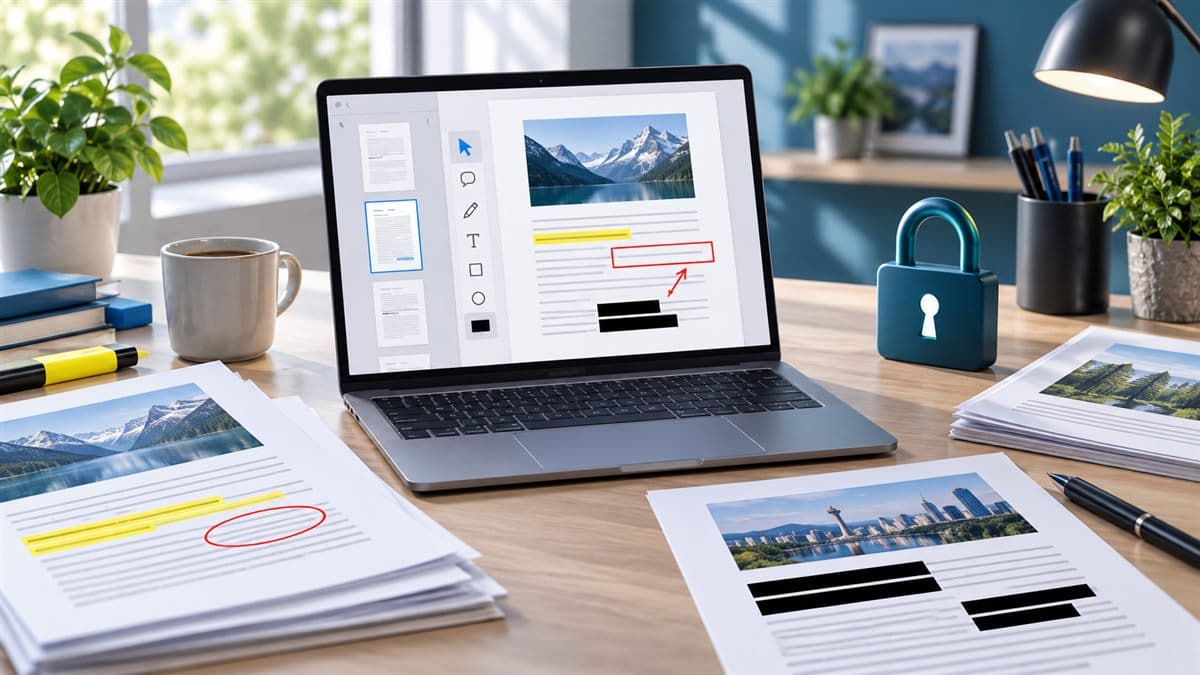
Choose a Windows PDF tool by task, file privacy, editing needs, and free-tier limits; verify features with official product documentation.

A practical framework for choosing note-taking software by capture speed, search, export, privacy, collaboration, offline access, and portability.

A practical comparison of free Microsoft Office alternatives, covering file compatibility, collaboration, privacy, offline use, and migration limits.
Before you continue
Criteria vary by task and may include capability, usability, compatibility, privacy, support, pricing, and limitations. Articles should explain the factors behind a recommendation.
No. Free software may have feature, storage, usage, licensing, support, or privacy trade-offs. Confirm the current plan and license before depending on it.
We date and update articles, but products can change between reviews. Verify critical features and prices on the provider’s official website before making a decision.