How to Use AI Agents for Everyday Productivity: Tasks, Limits, and Human Checks
A practical guide to choosing bounded AI-agent tasks, setting permissions and approvals, reviewing outputs, and measuring whether a workflow helps.
Contributor
Femica Maydinda Harend is a technology writer at AILooma focused on artificial intelligence, automation, productivity software, and practical troubleshooting. She writes clear, step-by-step guides that help readers understand tools, compare options, and solve everyday technology problems with confidence.

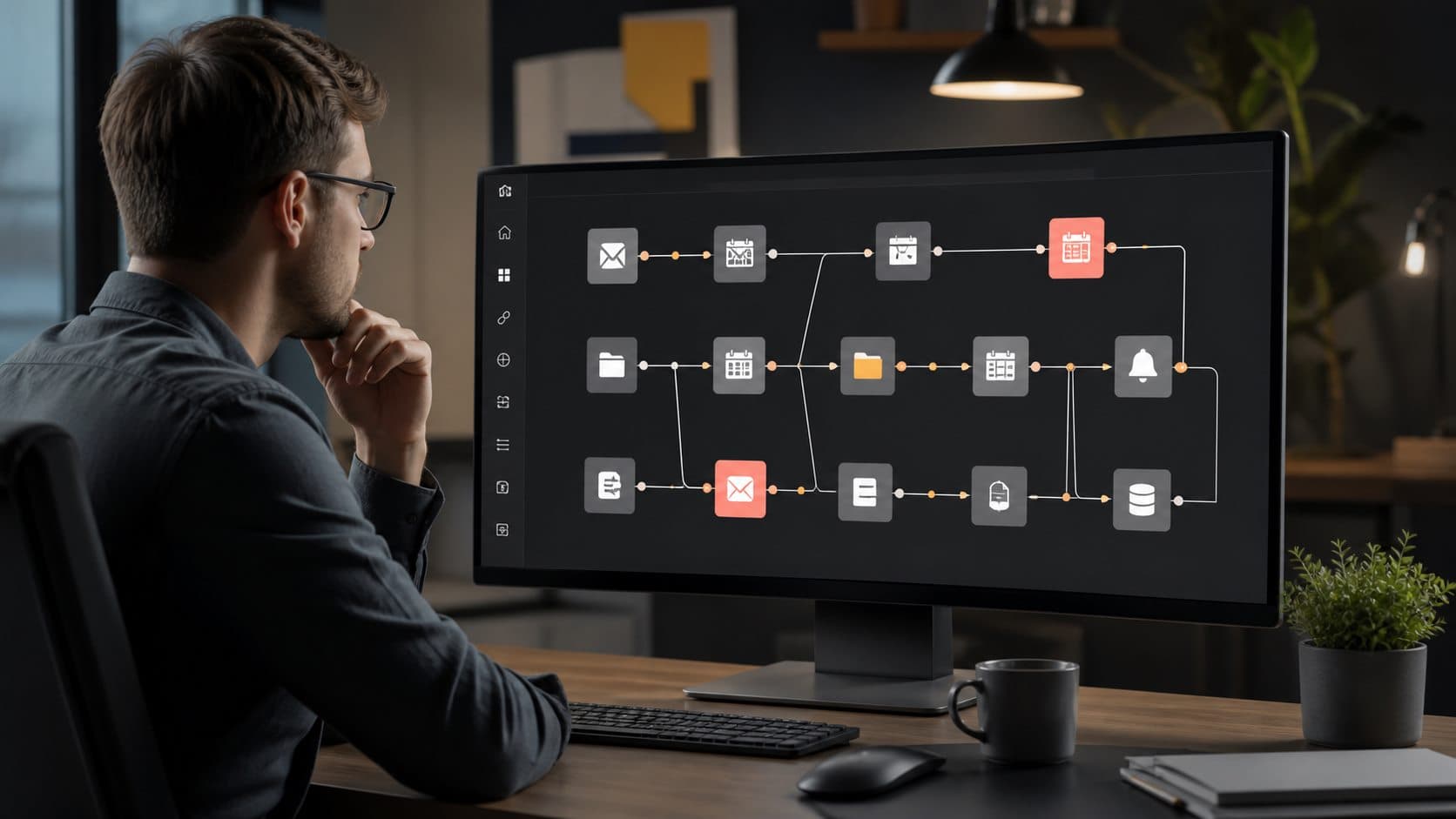
A practical guide to choosing bounded AI-agent tasks, setting permissions and approvals, reviewing outputs, and measuring whether a workflow helps.

A reliable n8n workflow design guide covering authenticated intake, validation, duplicate handling, credentials, failure paths, and pre-activation checks.

A researched guide to Windows productivity apps by task, with privacy, free-tier, compatibility, and migration considerations.

Choose browser features and extensions for focus, tab organization, and remote work while checking permissions, privacy, and limitations.

Review core Windows 11 protections safely with practical checks for updates, accounts, backups, recovery, and device-specific caveats.

A governance-first guide to mapping team handoffs, setting permissions and approval boundaries, and piloting AI-agent workflows responsibly.

A beginner-friendly n8n guide covering workflow design, credentials, validation, testing, error handling, and safe deployment.

A selection framework for distributed teams managing browser-based access, shared links, extensions, identity, and asynchronous handoffs.

Plan Windows privacy choices, independent backups, account recovery, and a small restore check without assuming one setting solves every risk.

A first-day Windows 11 setup sequence for updates, account recovery, device security, backup, and safe migration of important files.

A repeatable small-team browser routine for clear async handoffs, individual access, source links, and a low-risk process pilot.

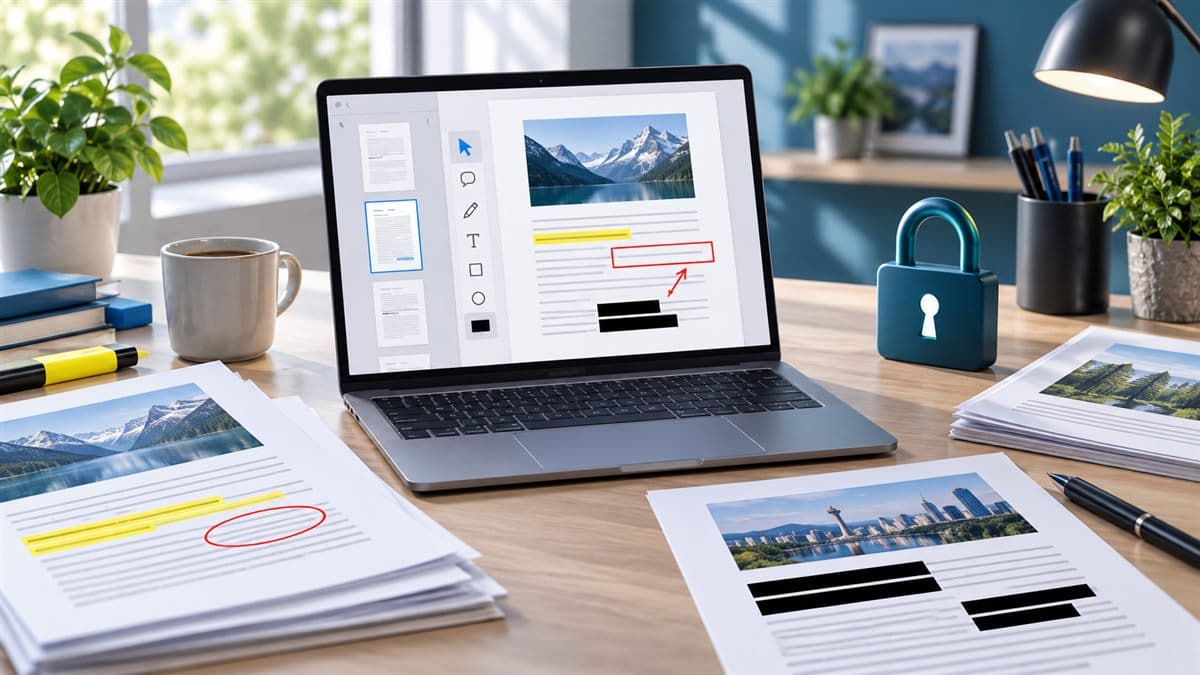
Choose a Windows PDF tool by task, file privacy, editing needs, and free-tier limits; verify features with official product documentation.